
04
Aug
TL;DR: Sublimation printing uses heat and pressure to turn solid dye into gas, permanently fusing the design into polyester or polymer-coated substrates. The result is durability that doesn't crack, peel, or fade. The standard beginner workflow: design (mirrored) → print onto sublimation paper → prep the blank → heat press at 385°F–400°F → peel and cool.
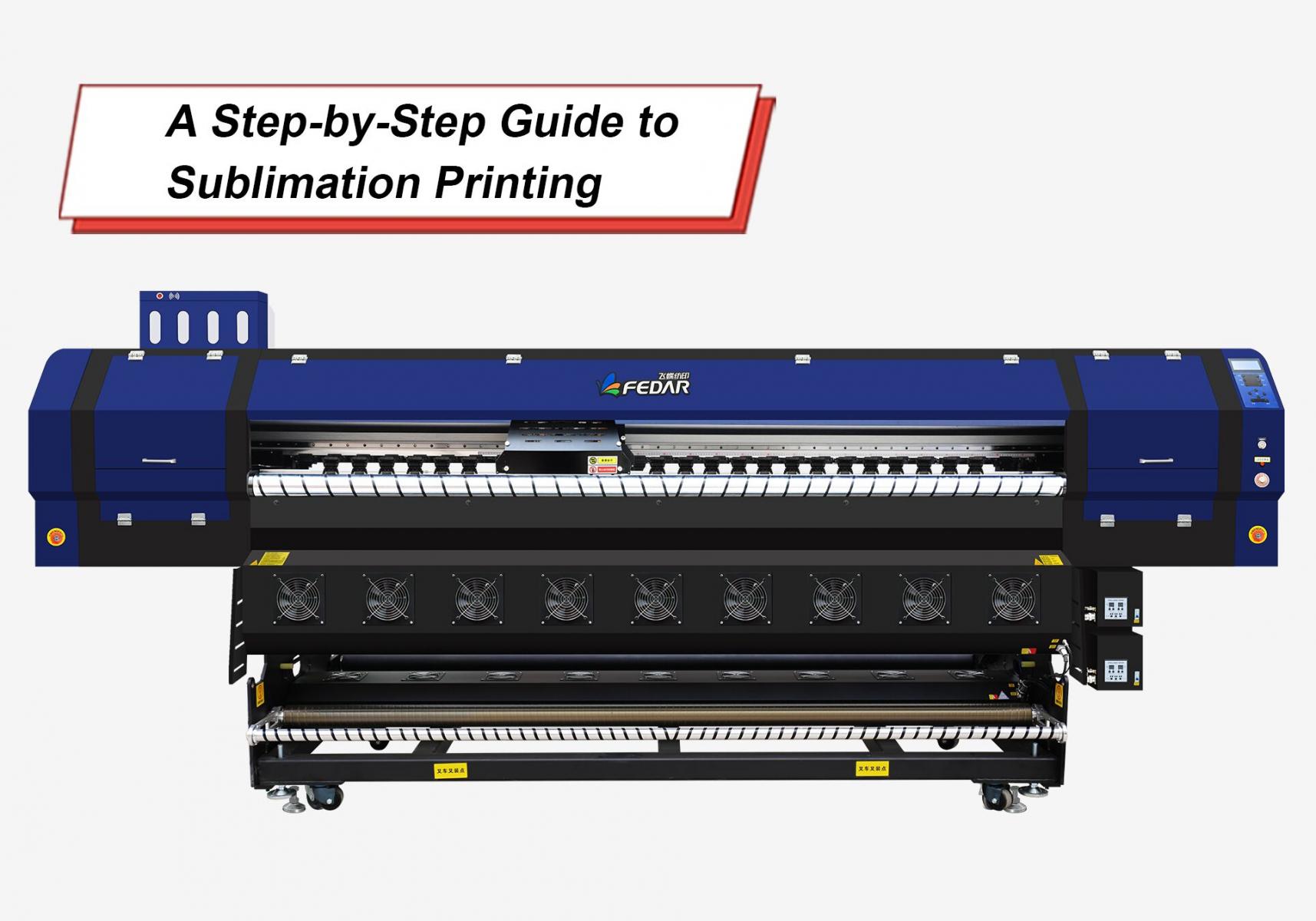
Sublimation printing is a heat process that injects the design directly into a substrate — such as polyester or coated substrates — creating vibrant, permanent images. This guide walks through what sublimation printing is, how it differs from other printing methods, and the exact steps to print on products yourself. Whether you're a complete beginner or just need a refresher, you'll leave with everything you need to start with confidence.
Conclusion: Sublimation printing is fundamentally a chemical process — dye becomes part of the substrate itself rather than sitting on top of it, which is why the print never cracks, peels, or fades.
Here's how the process works, step by step:
Because the ink becomes part of the product rather than sitting on the surface, sublimated prints stay vibrant and durable far longer than surface-level printing methods — a big advantage whether you're selling or gifting the finished product.
Conclusion: Sublimation's core advantage over vinyl and screen printing is that the dye permeates the material rather than resting on top of it, which is what gives it superior durability and texture.
Conclusion: A complete sublimation setup requires six sequential steps — skipping or rushing any one of them is the most common reason results come out faded, blurry, or mirrored incorrectly.
Step 1: Gather your materials
You'll need a sublimation printer (such as an Epson EcoTank printer with sublimation inks), sublimation ink, sublimation paper, a heat press (flat or mug press, depending on what you're making), blanks (polyester or polymer-coated products), and heat-resistant tape and sheets (butcher paper or Teflon).
Step 2: Create your design
Create your image in Photoshop, Adobe Illustrator, or a free program like Canva. Make sure your color profile is RGB and your resolution is 300 DPI for the best print quality. Remember to mirror the image before printing — it will appear correct once transferred.
Step 3: Print the design
Using your sublimation printer, print the mirrored image onto sublimation paper. Use the correct settings, high print quality, and the right paper type to prevent color bleeding or fading.
Step 4: Prep the product
Remove dust, lint, or oil from the blank item. A lint roller works well for clothing, and isopropyl alcohol is effective on hard surfaces.
Step 5: Transfer the design
Position the printed side of the sublimation paper face-down on the item and secure it with heat-resistant tape. Cover it with protective paper to keep ink off your heat press, then apply heat and pressure according to your product type (see the temperature and time chart below). Always follow your supplier's specific settings when they differ.
Step 6: Remove and cool
When the time is up, gently peel the paper away while it's still warm (use gloves if needed). Let the item cool completely before handling or packaging it.
Conclusion: Sublimation only works on items that are either 100% polyester or specially coated for sublimation — anything else won't hold the design.
Common items you can personalize include:
Conclusion: Matching your product type to the correct temperature, time, and peel method is the single biggest factor in getting a clean, vibrant transfer on the first try.
| Product Type | Recommended Temperature | Recommended Time | Pressure | Peel Type |
|---|---|---|---|---|
| Polyester T-Shirt | 385°F–400°F (196°C–204°C) | 45–60 seconds | Medium | Hot Peel |
| Ceramic Mug | 400°F (204°C) | 180–240 seconds | Medium/Firm | Hot Peel |
| Metal Phone Case / Coaster | 400°F (204°C) | 60–80 seconds | Medium | Hot Peel |
| Polyester Mousepad | 400°F (204°C) | 45 seconds | Medium | Hot Peel |
Conclusion: Nearly every failed sublimation print traces back to one of five avoidable mistakes — most of them happen before the heat press is even involved.
Q1: Can sublimation be used on 100% cotton clothing?
A: No. Sublimation ink only bonds with polyester fibers or polymer coatings. If you try it on cotton, the ink can't infuse into the fibers and will fade completely after a single wash. For cotton items, use DTF (direct-to-film) transfer or HTV (heat transfer vinyl) instead.
Q2: Why does my sublimation print come out faded or gray?
A: There are three common causes: not using sublimation-specific paper or ink, insufficient heat press temperature or time, or transferring before the ink has fully dried after printing. Check your equipment's manual and make sure your heat press reaches 385°F–400°F.
Q3: Why do I need to mirror my design before printing?
A: Because the transfer paper goes face-down onto the product during pressing. If you skip the mirror step, any text or asymmetrical graphics will come out backward on the final product.
Q4: What is "ghosting" and how do I avoid it?
A: Ghosting is a blurred, doubled outline around your design's edges. It happens when the transfer paper shifts slightly against the substrate while lifting the heat press or moving the paper. To avoid it, secure the paper tightly with heat-resistant tape and lift the transfer paper straight up, quickly, right after pressing.
Sublimation printing may seem complicated at first, but once you understand the process and gather the right materials, it becomes a fast, repeatable way to produce durable, vibrant designs. Whether you're building a small printing business or making personalized gifts, this process delivers the quality, durability, and flexibility to make it worthwhile. Grab your blank, heat up that press, and start creating.
If there's anything we can do to further showcase machines' features, please let us know.
Email: sale@fedar.net
Whatsapp: http://wa.me/8615515715397
Our company has over 30 models of printers with independent intellectual property rights and patents. Marketed under the esteemed brands of Skycolor, Stormjet, and Fedar brands, these printers cover a wide range, including digital textile printers, UV printers, eco-solvent printers and more. Known for their exceptional quality and performance.