19
Aug
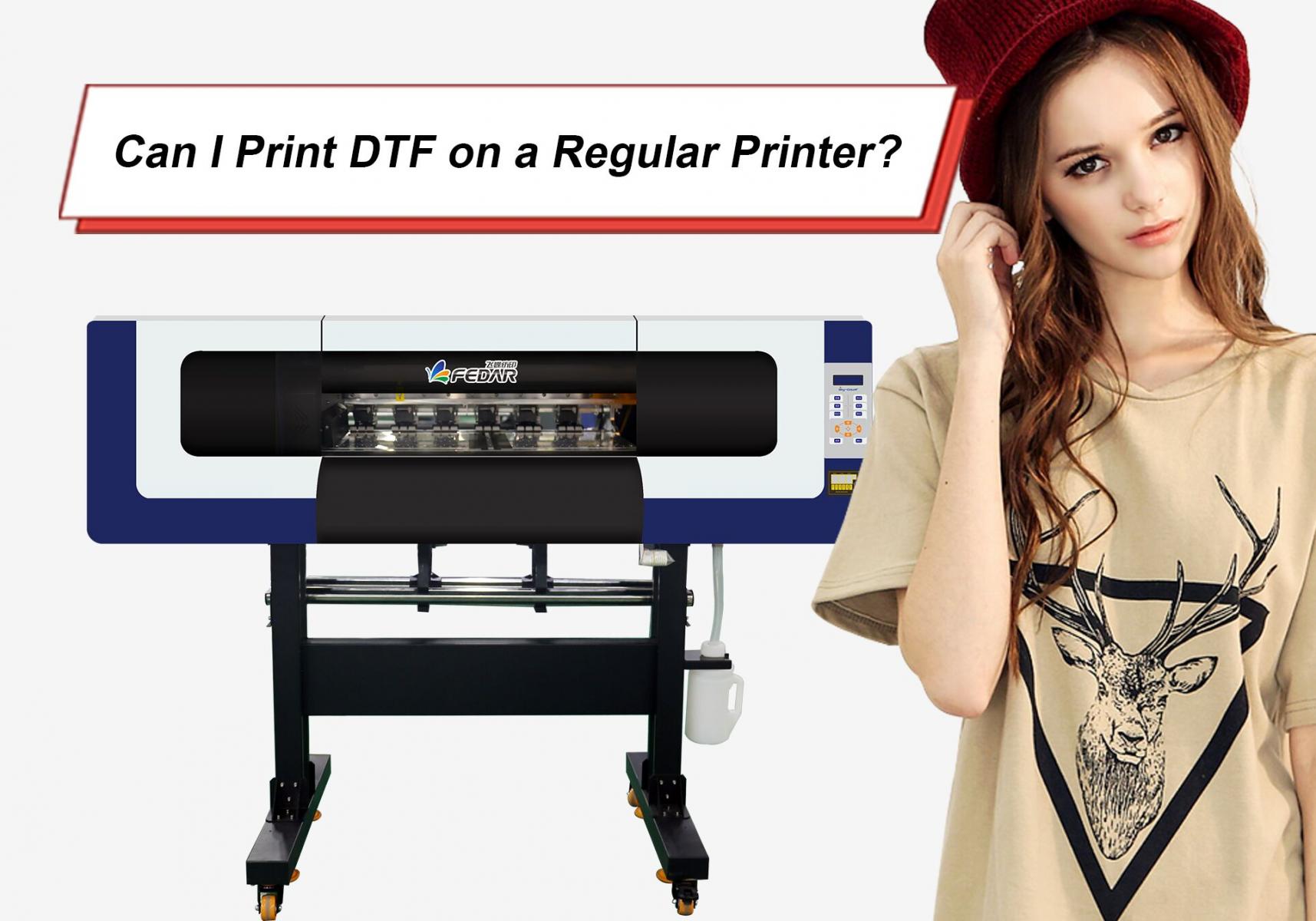
Direct-to-Film (DTF) printing has become a favoured printing method for making durable and vibrant prints on a variety of materials. It gives you compatibility with multiple fabrics, and high-quality colors with versatility in production. However, a common question arises for those interested in this process, and that is whether DTF printing can be carried out on a regular printer.
This article will tell you about the limitations of traditional printers, the essential equipment required for DTF, the advantages of this technique, and whether converted printers are a viable option. The purpose is to provide a clear understanding of what is necessary to successfully implement DTF printing, whether it is with a conventional printer or separately.
DTF printing might look similar to using a normal inkjet printer. Both use inks and print on a surface. But DTF has special requirements that regular traditional printers can't fulfil without mods.
DTF printing needs special pigment-based inks that have white ink. Regular printers only use CMYK inks. Without white ink, your designs won’t show up correctly on dark colored fabrics.
A typical inkjet printer isn’t designed to handle thick, highly pigmented inks. Trying to run DTF ink through it can clog the printhead or damage the printer completely.
DTF printing requires you to print directly on a special PET film. Standard printers are built for paper and can’t grip or process this type of film correctly.
After printing, DTF designs need adhesive powder and a curing step before being pressed onto fabric. Regular printers don’t support this process.
If regular printers won’t cut it, what do you actually need? Setting up for DTF needs the following equipment:
Specialized printers are built to handle DTF inks and PET film. Some are converted inkjet printers, while others are purpose-built DTF machines.
These inks are water-based pigments, including the all-important white ink. They are thicker and more vibrant than standard inks.
Unlike paper, these plastic films can bear heat and carry the design until it’s transferred to fabric.
After printing, you need to sprinkle the adhesive powder on the printed film, either manually or with a powder shaker. It melts when heat is applied to it. And it attaches the print to the fabric.
To cure the adhesive hot-melt powder, you will need a curing oven or a heat gun, depending on the scale of production you’re working with. Some people even use a heat press for this.
Finally, the design is put on using high heat and pressure in a reliable heat press machine. With heat and pressure, the print and the adhesive powder stick very good to the fabric, creating a long-lasting and beautifully colorful print.
Unlike sublimation that only works on polyester, DTF prints can be applied to cotton, polyester, blends, leather, and even wood. Amazing, right?
DTF transfers stick strongly to fabrics, making them resistant to washing, stretching, and wear tear.
Because of the pigment inks and white base, the prints look vibrant even on darker clothes.
Vinyl can feel stiff, DTF prints remain flexible and comfortable on clothing and give off a soft feel when touched, making the product premium.
Some printing methods require you to pre-treat fabrics before applying designs, but not DTF, you don’t need any treatment before printing,, other than just cleaning and removing moisture.
Some people ask if they can convert a regular inkjet printer instead of buying a full DTF one. While it’s technically possible with some Epson models, it’s not as simple as swapping out ink cartridges.
As soon as you change a printer by adding the options for DTF printing, you will lose the warranty benefits.
Without regular cleaning, white ink can clog converted printheads.
Converted printers don’t last as long as machines designed for DTF printing.
Keep your inks in such a place where they are safe from moisture and high temperature.
Shake white ink bottles often because the pigments settle in the bottom.
Keep your printer clean to avoid clogged nozzles.
Always cure your adhesive powder evenly for durable prints.
Test your heat press temperature and pressure.
These small practices make a big difference in the quality of your final prints.
So, the big question: can you do DTF with a basic printer? The answer’s no. Regular printers can't work with special inks, films, and processes that are needed for DTF printing. If you’re about creating vibrant, long-lasting designs, you’ll need specially made DTF equipment.
While the initial investment may feel a little on the upside, things like durability, versatility, and professional results make it worth it, especially for businesses. By understanding the equipment needed and how the process works, you can avoid mistakes and be successful in DTF printing.
If there's anything we can do to further showcase machines' features, please let us know.
Email: sale@fedar.net
Whatsapp: http://wa.me/8615515715397
Our company has over 30 models of printers with independent intellectual property rights and patents. Marketed under the esteemed brands of Skycolor, Stormjet, and Fedar brands, these printers cover a wide range, including digital textile printers, UV printers, eco-solvent printers and more. Known for their exceptional quality and performance.