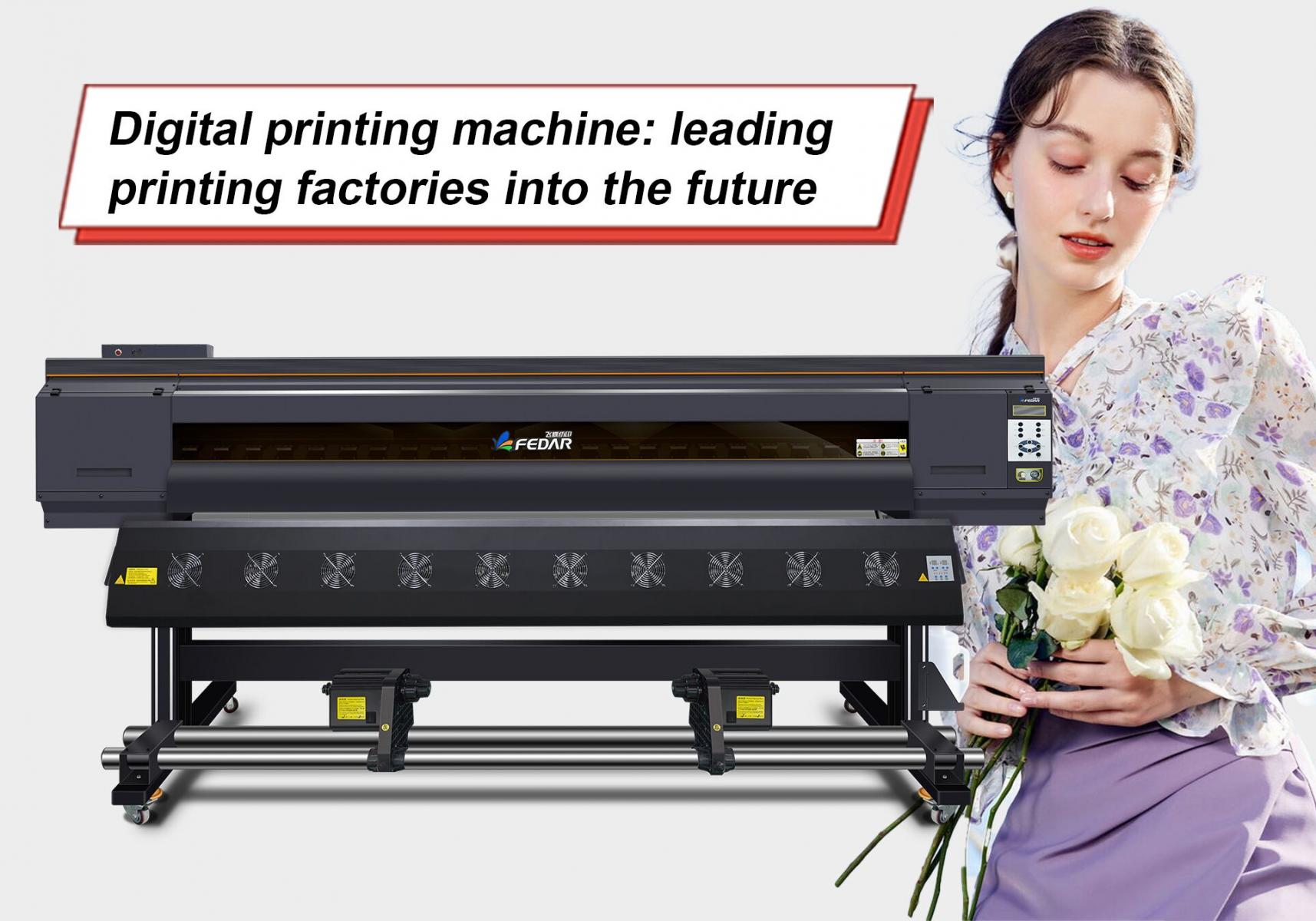
Digital printing machine: leading printing factories into the future
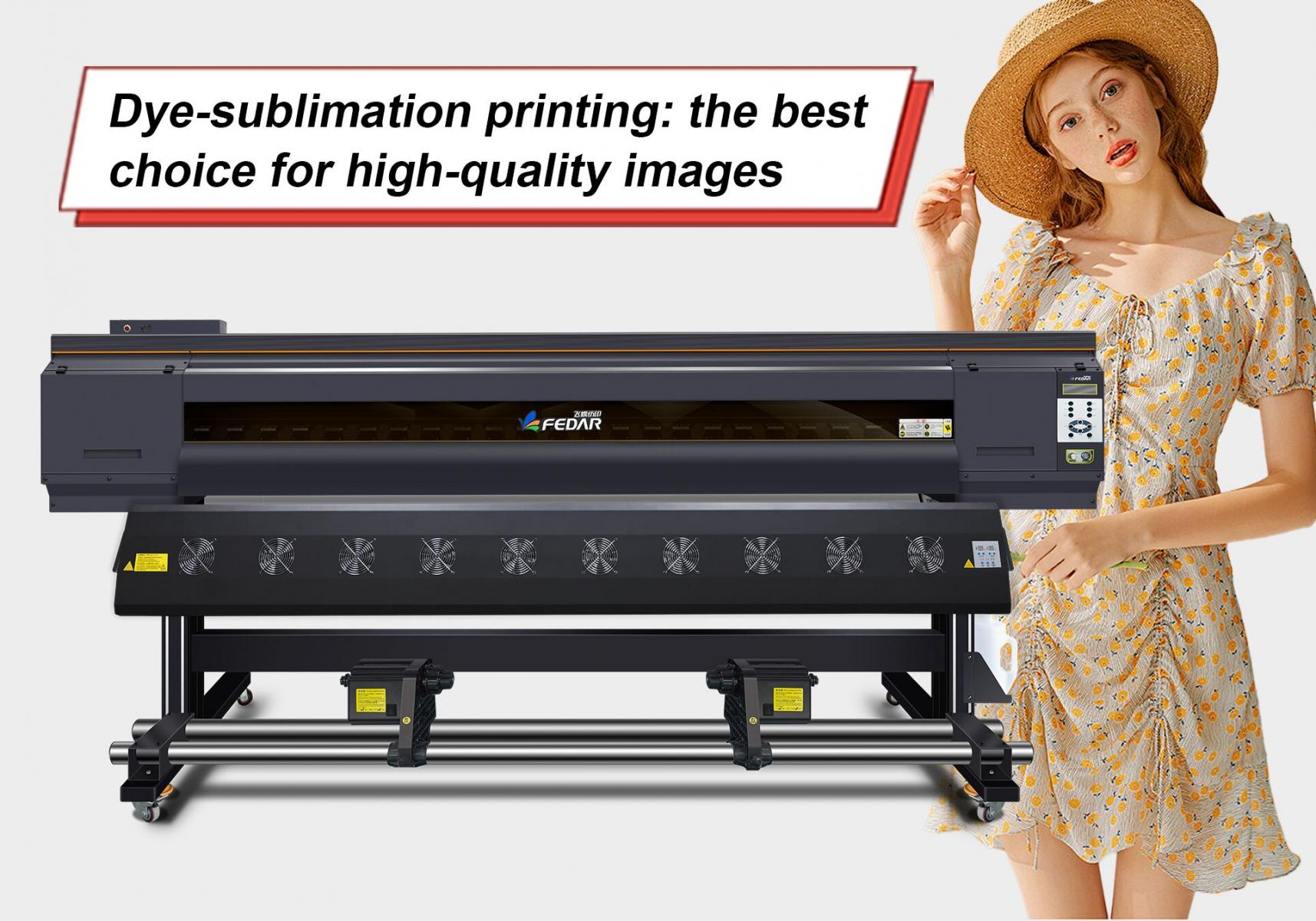
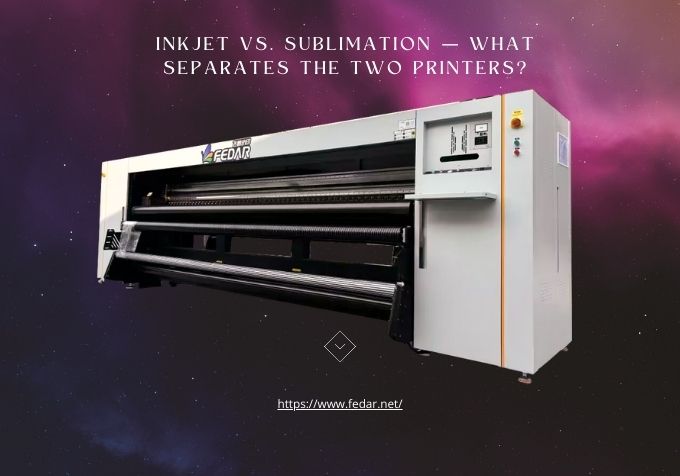
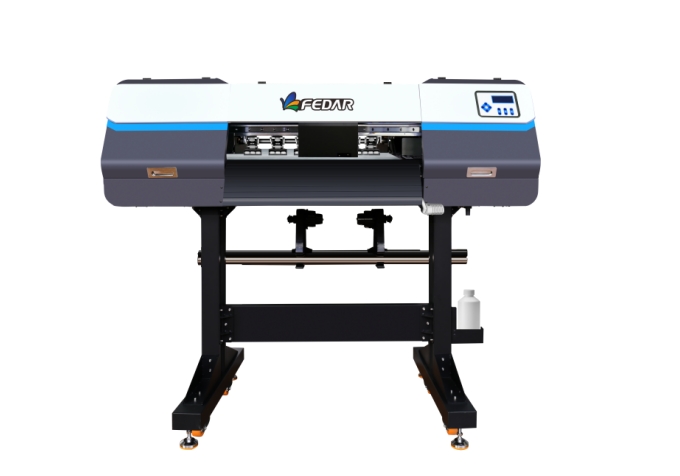
In today's diversified market environment, Dye-sublimation printing technology, as a unique printing and decoration process, is widely used in textiles, packaging, advertising, handicrafts and other fields. As the actual practitioner of this technology, the future development trend of the printing factory has attracted much attention. From the current industry dynamics and social development direction, Fedar Printing Factory will present a series of new development trends in technology, market, environmental protection and other aspects.